Loops for product management
Loops are recurring agent workflows for teams. They now respond to more workspace activity, including changes to initiatives, projects, and cycles. They can also edit Linear documents and post updates to Slack.
Teams change project plans all the time. It’s not the change itself that’s hard, but the follow-through: updating docs, creating issues, and keeping everyone informed. That’s where information falls out of sync and handoffs get missed. Loops can now handle that coordination for you.
For example, when a project’s target date changes, a loop can automatically update the launch plan and post a Slack message explaining what changed, why, and who needs to act.
Trigger from across your workspace
New triggers include:
- Project and initiative changes to status, ownership, target dates, milestones, membership, and labels, plus new updates and comments
- Cycles being created, started, or completed
- Issue changes to status, priority, assignee, cycle, project, or labels
Edit documents
In addition to creating issues and updating projects and initiatives, Loops can now edit documents. When scope or timing changes, a loop can update the relevant Linear document so plans stay aligned.
A loop can now also draft and post tailored Slack updates using context from Linear and connected tools. Keep the right people informed about what changed and what happens next.
Continue any run
Each loop run starts a conversation with Linear Agent. Once it finishes, you can continue that conversation like any other agent session to review the work, add context, or direct what happens next.
We’ve extended introductory Loops credits through December 31, giving teams more time to test Loops on their own workflows. See the docs for more details.
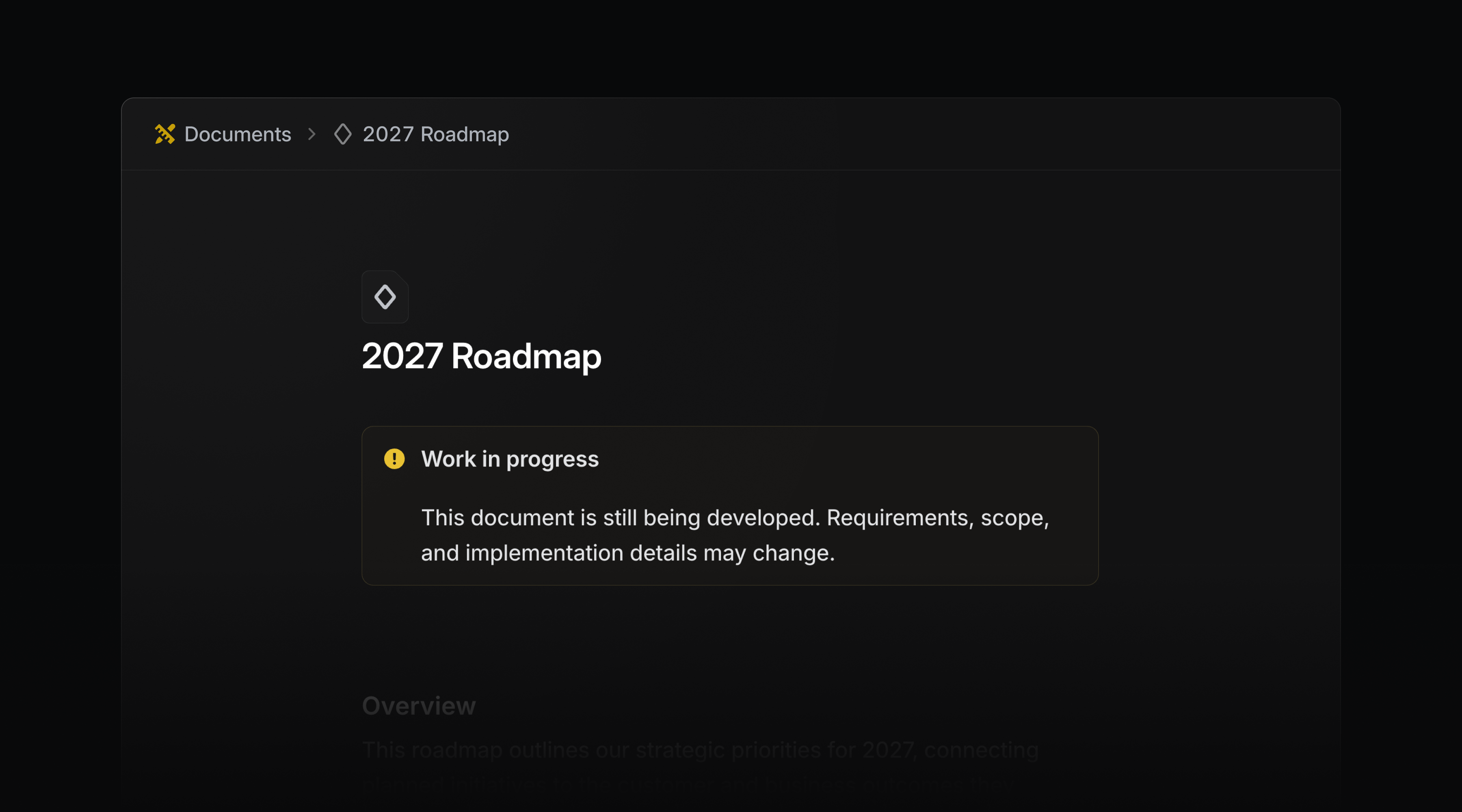
Callout components
Use callout components to draw attention to important information in issue and project descriptions, as well as documents. Choose any color, icon, or emoji to match the context.
In PR descriptions, Linear converts callouts to the closest matching GitHub callout type, so the emphasis carries over.
Type /callout to get started.
- DiffsReduced the number of false positives for issue suggestions
- ImportsPreserved archive status in GitHub imports
- IOSFixed issue list delegation confirmations showing internal user details instead of the agent’s name
- IssuesFixed issue copies omitting nested sub-issues
- MCPUpdated Datadog MCP connections to use the supported v1 endpoints
- SettingsFixed SCIM-managed team members incorrectly showing a Non-SCIM label to members and team owners
- SlackFixed a duplicate linkback when a message contained an issue identifier and a link to the same issue at the end of a sentence
- TemplatesIssues created from a form template now keep the status and labels of the board column they were created under
- DiffsAdded a “Copy filename” action to the file tree context menu
- DiffsAdded a hover explanation to the pull request status badge, so a “Blocked” badge states what is blocking the merge
- DiffsAdded Diff issue suggestion dismissal button
- DiffsAdded related diffs to the pull request sidebar
- EditorAdded support for commenting on links and viewing existing threads from the link toolbar
- FiltersChanged new label filters to default to “include any of” when all selected labels belong to the same group
- SearchIt is now possible to search projects by their synced Jira Epic key
- DiffsFixed collapsed-code controls so ShiftUp expands code above and ShiftDown expands code below
- Hid the Active MCP connections link when the user cannot access workspace security settings
list_teamsandget_teamnow report each team’svisibilityandretiredAt
- Added new outbound IPs for webhooks, which will go live in the next few weeks. Visit the docs for the current list
- Fixed team updates for Asks email intake addresses